






- Home
- Collections
- Anti-collision
Electric Desk With Anti-Collision System
An electric desk with anti-collision system stops and backs off when the moving top meets something in its way - a chair arm, a windowsill, a drawer pedestal or a hand - so neither the frame nor your kit takes the strain. It suits busy home offices, shared workspaces and anyone who moves the desk several times a day.
Every desk below lists collision detection in its specification. Most are dual motor desks with 100-200kg ratings; for bigger multi-screen setups, see our heavy duty desks. Our guide underneath explains how the sensors work and how to set them up.
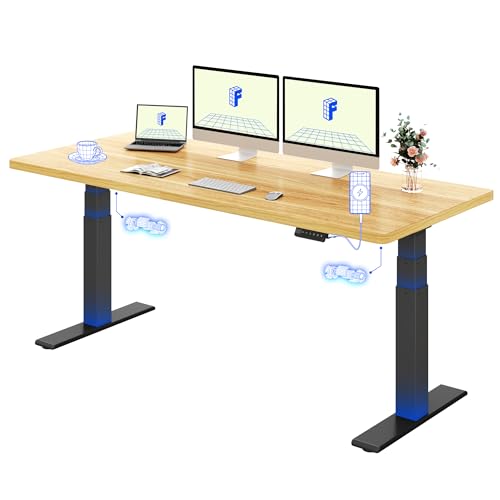


Flexispot ValtreX 200KG desk
Flexispot
- 200kg load capacity
- Dual motor system
- 3-stage height adjustment
- USB charging port
- Memory presets included
Uncaged Ergonomics Rise Up (Grey, RU2g)
Uncaged Ergonomics
- Dual motor height adjustment
- 4 programmable memory settings
- Height range 69cm to 115cm
- Width adjusts 107cm to 180cm
- Anti-collision safety technology
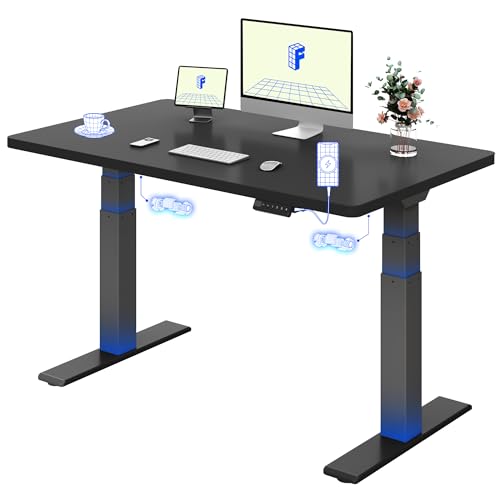
Flexispot ValtreX (Black Frame, 140cm x 80cm)
Flexispot
- Supports up to 200kg static load
- Dual motors for smooth lifting
- Height range 60cm to 125cm
- 4 memory presets with LED display
- Built-in USB charging port
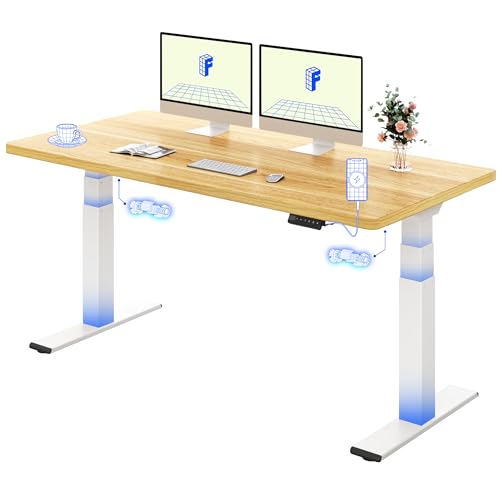
Flexispot ValtreX (200KG, White Frame, Maple Top, 160x80cm)
Flexispot
- Supports up to 200kg static load
- Dual motors for smooth lifting
- Height range 60-125cm
- 4 memory presets with USB port
- Anti-collision safety system

Flexispot ValtreX 200KG (White Frame, 160cm x 80cm)
Flexispot
- Supports up to 200kg static load
- Dual motors for smooth lifting
- Height range 60cm to 125cm
- 4 memory presets with LED display
- Built-in USB charging port
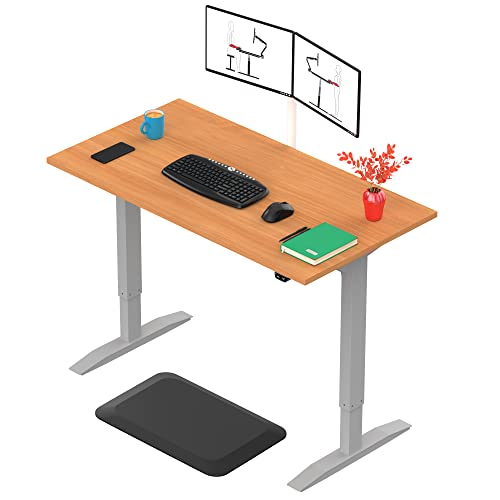
Yo-Yo Desk Pro 1 (Single Motor Standing Desk)
Yo-Yo Desk
- Height range 72.5cm to 122.5cm
- Single motor smooth lifting action
- Supports up to 70kg load
- Noise level below 50dB
- 5-year manufacturer warranty

Klicelor Electric height adjustable desk
Klicelor
- Height adjusts 72-116cm electrically
- Two fabric storage drawers
- Supports up to 70kg weight
- Five cable management channels
- Obstacle detection safety feature

Allcam E32D (Black, Dual-motor Frame)
Allcam
- Dual-motor electric height adjustment
- 3-stage columns, 58-123cm range
- Anti-collision sensors for safety
- 3 memory height presets
- Supports up to 125kg
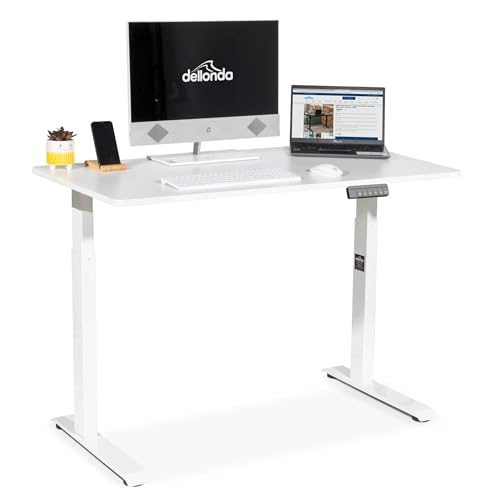
Dellonda DH56 (White, 120cm x 60cm)
Dellonda
- Large 120cm x 60cm work surface
- Electric push-button height adjustment
- Quiet motor under 50dB
- Supports up to 50kg load
- Assembles in under 30 minutes

Desktronic HomePro (Black + Walnut, 140cm x 70cm)
Desktronic
- Electric dual motor height adjustment
- Touchscreen controller with 3 memory presets
- Built-in USB and USB-C ports
- 160kg weight capacity
- Scratch-resistant European laminate top
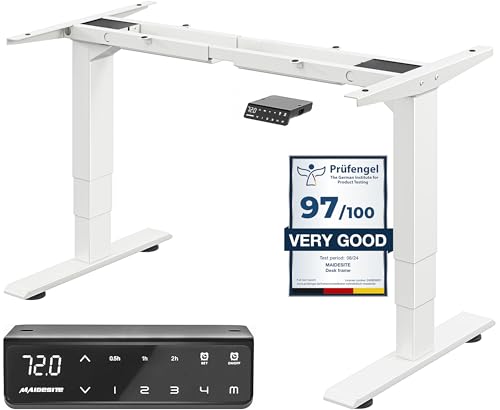
Maidesite Height adjustable desk frame
Maidesite
- 62-125cm height adjustment range
- Dual motor system
- 125kg weight capacity
- Four memory presets
- Anti-collision safety system

Maidesite Dual motor height adjustable standing desk
Maidesite
- Dual motor height adjustment
- 62-127cm height range
- 125kg weight capacity
- Anti-collision safety sensor
- Memory preset positions

Maidesite Height adjustable desk frame
Maidesite
- Height adjusts 72-120cm electrically
- 80kg weight capacity tested
- Memory presets save positions
- Quiet motor under 45dB
- Anti-collision safety protection

Bestier D471ZUS Corner Computer Desk (113CM, 3D Carbon Fiber)
Bestier
- Reversible shelf storage design
- Built-in LED light system
- Side storage bag included
- Adjustable feet for stability
- Waterproof carbon fibre surface
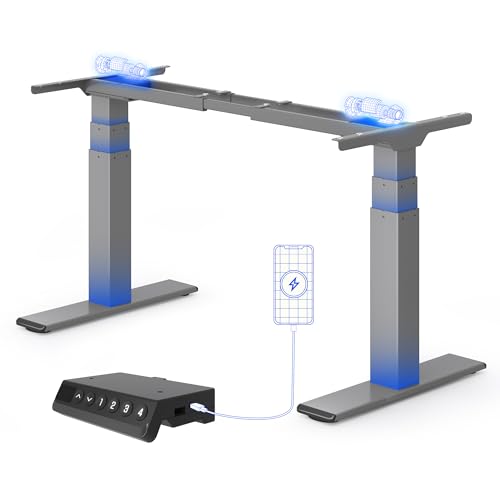
Flexispot ValtreX standing desk frame
Flexispot
- Dual motor system
- 200kg weight capacity
- 60-125cm height range
- Anti-collision protection
- Memory presets included
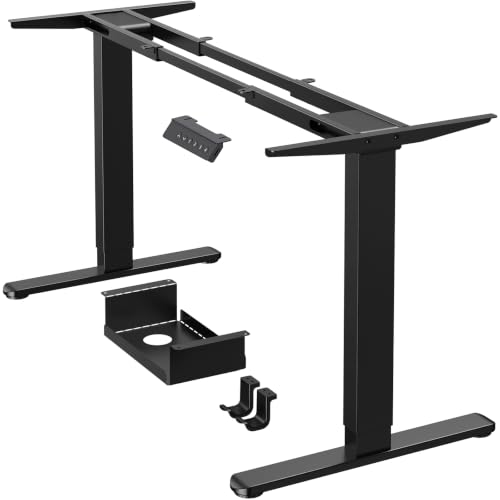
Ergear Standing desk frame
Ergear
- 120kg Weight Capacity
- Dual Motor System
- Four Memory Presets
- Cable Management Tray
- Height Range 72-120cm
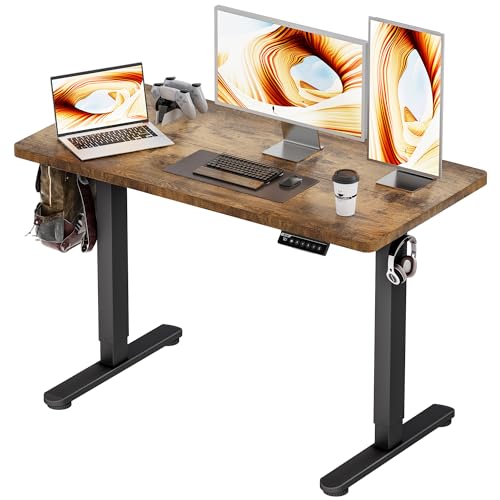
Bizum Electric Standing Desk 120x60cm
Bizum
- Electric height adjustment
- Three memory presets
- Anti-collision technology
- 59kg weight capacity
- Quiet operation

Yihayo Electric standing desk
Yihayo
- Height adjusts 27.6-45.3 inches
- 70kg weight capacity
- Memory function stores heights
- Anti-collision safety technology
- Cable management system

Uncaged Ergonomics Rise Up (White, 107.4cm x 65cm)
Uncaged Ergonomics
- Dual motor height adjustment
- 4 memory height presets
- Anti-collision safety technology
- Adjustable width for desktop fit
- 3-stage legs for extra height range

Maidesite Height adjustable electric desk frame
Maidesite
- Height range 72-120cm
- 80kg weight capacity
- Four memory positions
- Quiet motor operation
- Child lock safety
What Does an Electric Desk With Anti-Collision System Do?
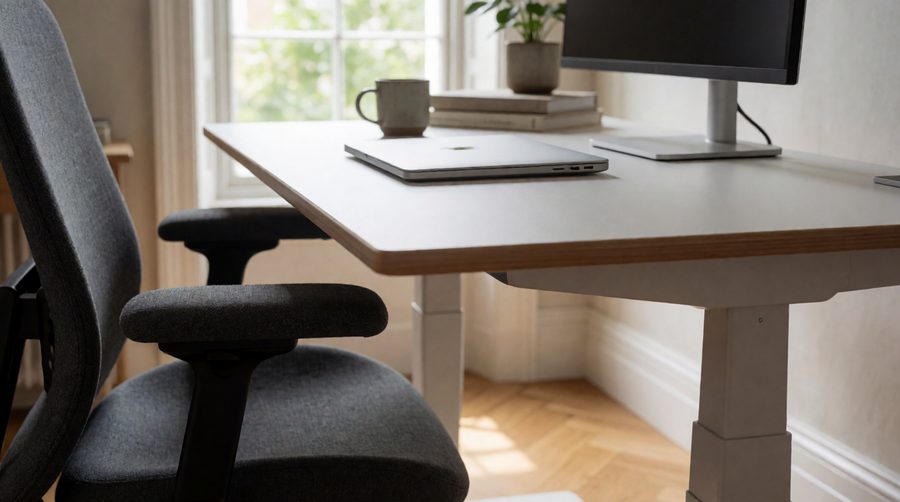
When you press the button on a sit-stand desk, one or two motors drive telescopic legs up or down with the whole top - screens, laptop, PC tower - riding on them. If something is in the way, a basic frame keeps pushing until you let go. Anti-collision detection notices that the movement has been interrupted, cuts the power and then runs the legs back the opposite way by roughly a centimetre, which takes the pressure off whatever was trapped and lets you pull it clear.
The things a moving top most often catches are surprisingly ordinary:
- Office chair armrests when you lower the desk to sitting height
- Windowsills, shelves and wall-mounted monitor arms on the way up
- Drawer pedestals, bins and printers tucked underneath
- A neighbouring desk in a row of workstations
- Mugs, phones and fingers resting on a lower surface nearby
Without the cut-out, the motor stalls against the obstacle. That can mark furniture, crack a chair arm, tip a monitor, and over time strain the gears in the lifting columns. With it, the worst you usually get is a short stop and a beep.
How Anti-Collision Detection Works
Manufacturers use three main methods. Cheaper frames rely on one; the better ones combine two so each covers the other's blind spots.
Motor current sensing
This is the most common method. A motor draws more current when it meets resistance, so the control box watches for a sudden spike and stops when it crosses a threshold. It costs nothing extra in hardware, which is why it appears on most budget models. The weakness is soft objects: a cushioned chair back or a bag compresses slowly, so the spike may be too small to register. Testers at WorkWhileWalking also found it tends to work better going up than coming down, because a rising desk draws far more current and the jump is easier to spot.
Gyroscope (tilt or G-force) sensing
A small gyroscope in the control box or under the top measures its angle. If one end hits something while the other keeps moving, the surface tilts very slightly and the sensor reacts, often before the current has climbed. LINAK, the Danish maker of lifting columns used in many office desks, sells a plug-in gyroscope unit called Desk Sensor 1 that it describes as roughly the size of a pen lid and able to detect soft as well as hard obstacles. In our range, the Allcam E32D lists both a current sensor and a gyro levelness sensor.
Piezo and add-on sensors
Some commercial frames use piezo elements that pick up the vibration of an impact, and plug-in sensors can be added to an existing LINAK control box. You will mostly find these on contract office furniture rather than home desks, but the principle is the same: detect, stop, reverse.
Whichever method a desk uses, the reversal is what makes it useful. Stopping alone leaves the object pinned under the weight of the top; backing off by around 1-1.5cm releases it.
Compare Anti-Collision Desks in Our Range
Every listing says "anti-collision", so the label alone tells you little. The figures that separate them are motor count, load rating, speed and whether the sensor type or sensitivity range is stated. These are taken from the specifications of desks currently in stock:
| Desk (in stock) | Motors | Height range | Load | Speed | Collision detail |
|---|---|---|---|---|---|
| Allcam E32D frame | 2 | 58-123cm | 125kg | - | Current + gyro sensors, 27 settings |
| Flexispot ValtreX 200KG | 2 | 60-125cm | 200kg (160kg moving) | 40mm/s | Anti-collision, under 45dB |
| Desktronic HomePro 140cm | 2 | 62-127cm | 160kg | 50mm/s | Anti-collision, touchscreen |
| Maidesite T2 Pro Plus frame | 2 | 62-127cm | 125kg | 32-35mm/s | Anti-collision, under 45dB |
| Office Hippo 160cm | 2 | 65-131cm | 120kg | - | Anti-collision + soft start/stop |
| Flexispot Q8 140cm bamboo | 2 | 62-125cm | 100kg | 25mm/s | Anti-collision + child lock |
| Huuger 120cm (4 sockets) | - | 72.8-118.1cm | 99.7kg | - | Anti-collision, under 35dB |
| Yihayo 122cm rustic brown | 2 | 70-115cm | 70kg | - | Bounce-back on contact |
| Sanodesk 120cm maple | 2 | 75-110cm | 70kg | 25mm/s | Anti-collision |
| Maidesite T1 Pro frame | 1 | 72-120cm | 80kg | 30mm/s | Collision detection + child lock |
A few patterns stand out. The dual-motor frames carry 100-200kg, while the single-motor Maidesite T1 Pro is rated at 80kg. Speed ranges from 25mm/s to 50mm/s - faster is convenient but means more momentum when something is in the way, so a sensitive, adjustable cut-out matters more on quick desks. Only the Allcam spells out its sensor type and settings; for the rest, check the manual for a sensitivity menu before you buy.
Does Anti-Collision Protect Children and Pets?
Partly, and it should never be relied on for it. Current-sensing systems need firm resistance to trigger, and a small child or a cat is soft enough that the motor may not register them quickly. Gyroscope sensors are better at noticing a top that starts to tip, but no manufacturer guarantees they will catch everything. Treat the system as protection for the desk and your equipment, and add sensible habits:
- Use the child lock if your controller has one - the Flexispot Q8 and Maidesite T1 Pro both list it
- Look under and around the frame before pressing a memory preset, which keeps moving after you let go
- Keep pets' beds and toy boxes out from under it
How to Choose an Anti-Collision Desk
Check the sensor type and sensitivity range
A desk that only says "anti-collision" probably uses current sensing alone. Look for the words gyro, gyroscope, tilt or G-force if you want the extra layer, and for adjustable sensitivity. The range varies widely: some controllers offer off, low, medium and high; others use numbered levels from 0-5 or 0-8, and Flexispot quotes four levels on some of its frames. The Allcam's 27 separate settings for up, down and levelness are unusually fine-grained.
Match the motor to the load
Sensing works best when the frame is not working near its limit. A heavy, unevenly loaded top makes current readings noisier and can cause false stops. If you run several screens, a tower and speakers, pick one of our dual motor desks or heavy duty desks with plenty of spare capacity rather than one rated at 70kg.
Think about speed and noise
Speeds of 25-35mm/s are typical; 40-50mm/s feels brisk. Quieter motors - the Huuger quotes under 35dB, the ValtreX and Maidesite T2 Pro Plus under 45dB - are easier to live with in a shared room or a bedroom office.
Consider soft start and stop
Soft start/stop ramps the motor speed rather than jolting, which reduces wobble and gives the sensors cleaner readings. The Office Hippo 160cm lists it alongside a 65-131cm range and 120kg tolerance.
Pick the right shape and extras
Corner setups need extra care because there is more desktop to catch on walls and furniture; our L-shaped standing desks mostly use dual-motor frames for that reason. If you want built-in storage, check the clearance of desks with drawers against your chair arms at the lowest height. Glass top desks are heavier for their size, so leave headroom on the load rating. Charging extras are covered in our desks with power sockets and USB port desks.
Setting Up to Avoid False Stops
The most common complaint is not a collision that was missed but a desk that keeps stopping for no reason. The usual culprits:
- Tight cables. A power lead or monitor cable without enough slack pulls against the frame as it rises and looks like resistance. Leave enough length to reach full height and route leads through a cable tray.
- Uneven feet or thick carpet. A frame that rocks gives a gyro sensor false readings. Level the feet, or put the desk on a hard mat.
- Weight in one corner. Centre heavy items and keep the tower on a shelf or the floor if you can.
- Sensitivity set too high. Lower it one step at a time until the false stops end, then test that it still reacts.
A simple test: put a firm cushion on the seat of a chair, lower the desk slowly onto it, and check that it stops and backs off before the cushion is squashed flat. Repeat going up against your hand, gently. Do this when you first assemble the desk and after moving it.
Leave clearance around the desk
Before you buy, measure the room at both heights you will use. Check the gap to windowsills, shelves, radiators and wall-mounted monitor arms at standing height, and to chair arms and pedestals at sitting height. In offices with rows of electric desks, a gap of about 2.5cm between neighbouring tops lets each move freely. If you can't spare the space or the budget for a full frame, our standing desk converters sit on an existing desk instead. Employers setting up shared workstations will find the HSE's display screen equipment guidance useful for the wider workstation assessment, and its advice on good posture applies at both heights.
Frequently Asked Questions
Do all standing desks have anti-collision?
No. Many budget and single-motor frames leave it out, and some listings mention it only in the small print. Every desk in this collection states collision detection somewhere in its specification, but the quality varies, so look for adjustable sensitivity and a stated sensor type.
Why does my desk stop and go back down on its own?
That is the anti-collision system reacting. If nothing is in the way, check for taut cables, an uneven floor or a heavy, off-centre load, then reduce the sensitivity a step. Many controllers beep or show a code when it triggers, and the manual explains what each code means.
How do I change the sensitivity?
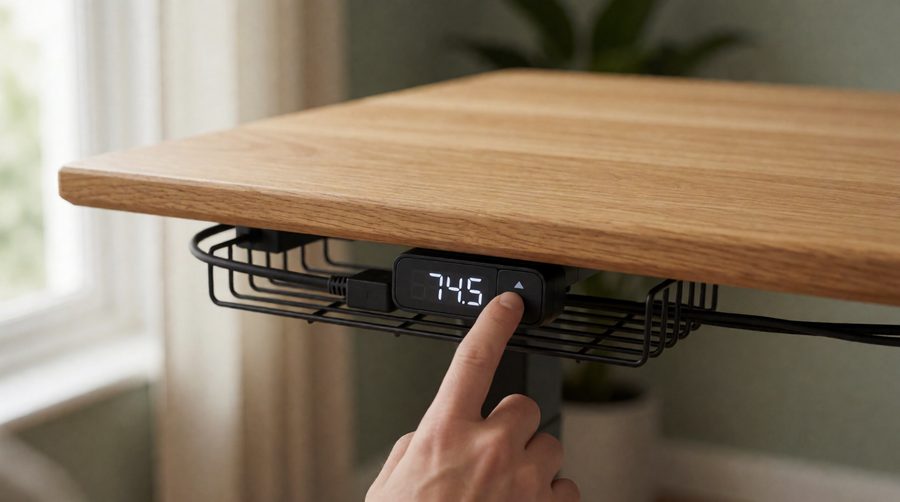
It depends on the controller. A common method is to hold the up and down buttons together for about five seconds until the display changes, then step through the levels and save. Some desks use the memory or "M" button instead. Always follow your own manual.
Does it work in both directions?
Usually, yes, but current-based systems are often more reliable going up than down. Gyroscope sensors help on the way down, which is when chair arms and pedestals tend to get caught.
Can I add anti-collision to an existing desk?
Only if the control box supports it. LINAK sells plug-in sensors for its own systems; most consumer frames can't be upgraded, so it is easier to choose a desk that already has it.
Is it worth paying extra for?
For a desk that moves several times a day, sits near furniture or a wall, or is used by more than one person, yes. It protects the motors and gears as well as your equipment, and it is now standard on most dual-motor frames. Pair it with a bamboo desk top or a larger 160 x 80cm desk and you have a setup that will last. Sitting less is good for you too - the NHS explains the benefits of moving more through the day.