








- Home
- Collections
- Gaming Desks
Adjustable Gaming Desk
An adjustable gaming desk moves up and down at the touch of a button, so you can sit for a ranked match, stand while you browse the store or chat on Discord, and set the surface to exactly the right height for your arms. It is for anyone who games for hours, works from the same setup in the day or shares the desk with someone taller or shorter.
Below are electric sit-stand desks from Flexispot, Sanodesk and more, wide enough for a full keyboard, a large mouse mat and two screens. If you run a heavy rig, see our dual motor desks for extra lifting power.

Refine
Sort by
Desk type
Desktop width
Weight capacity
Colour
Features
Brand
Customer rating
More like this
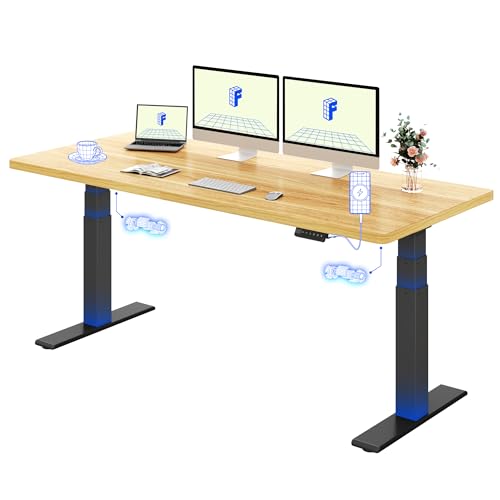
Flexispot ONE PIECE EF1B (160x80cm, Black Frame, Black Desktop)
Flexispot
- Electric height adjustment 71-121cm
- One-piece solid desktop, no flex
- Memory panel with four presets
- Supports up to 100kg weight
- FSC certified sustainable materials
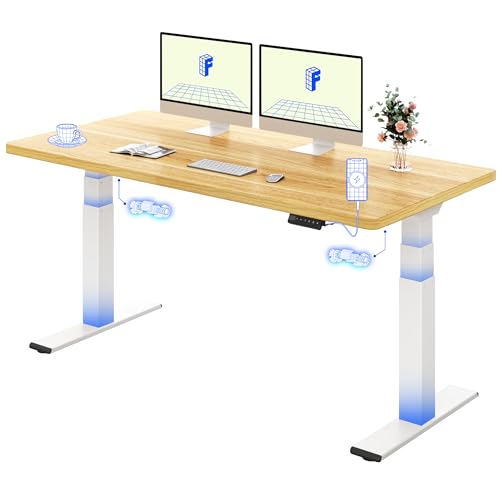
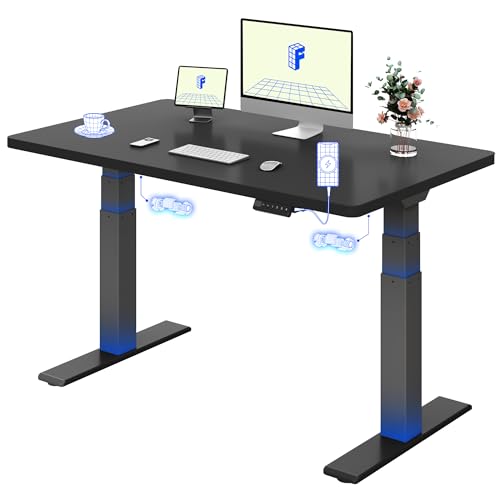
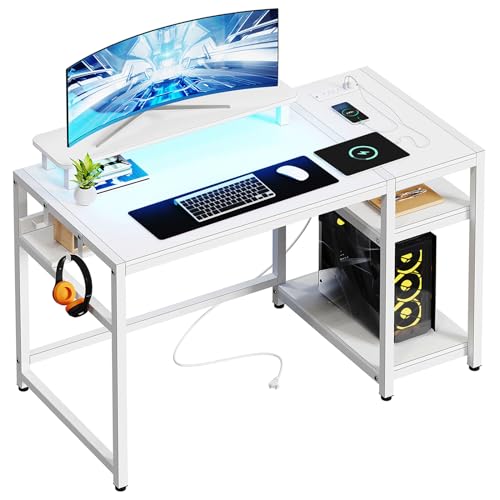
Bergoolin CD-002 (White, 48 Inch with LED Lights)
Bergoolin
- Built-in LED lighting with 29 modes
- Two power outlets and USB ports
- Ergonomic monitor stand shelf
- Bottom storage shelf and headphone hook
- Easy assembly within 1 hour
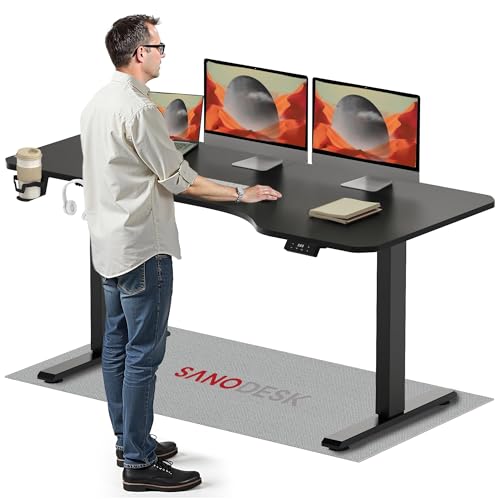
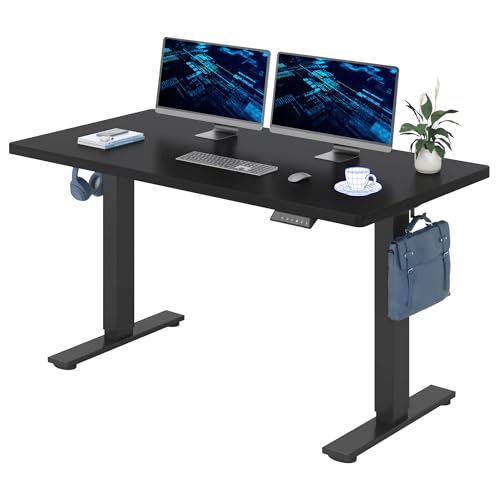
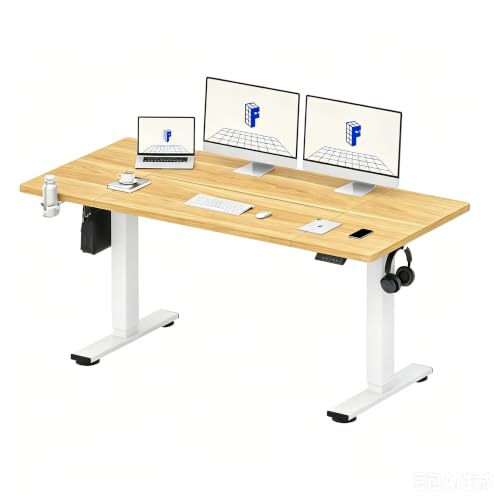
Sanodesk Electric Standing Desk (Black, 200cm x 80cm)
Sanodesk
- Height adjusts from 73.5cm to 118cm
- Electric motor with memory function
- Built-in hooks and cupholder
- Supports up to 70kg weight
- Sturdy metal frame with T-shaped legs
What makes a good adjustable gaming desk?
Most "gaming desks" in shops are fixed-height tables with LED strips and a carbon-fibre look. An adjustable gaming desk adds an electric frame: one or two motors raise the top on telescopic legs, and a keypad stores your favourite heights. That one change matters more than any lighting, because it lets you put the keyboard and mouse at the right height for your body rather than the average one.
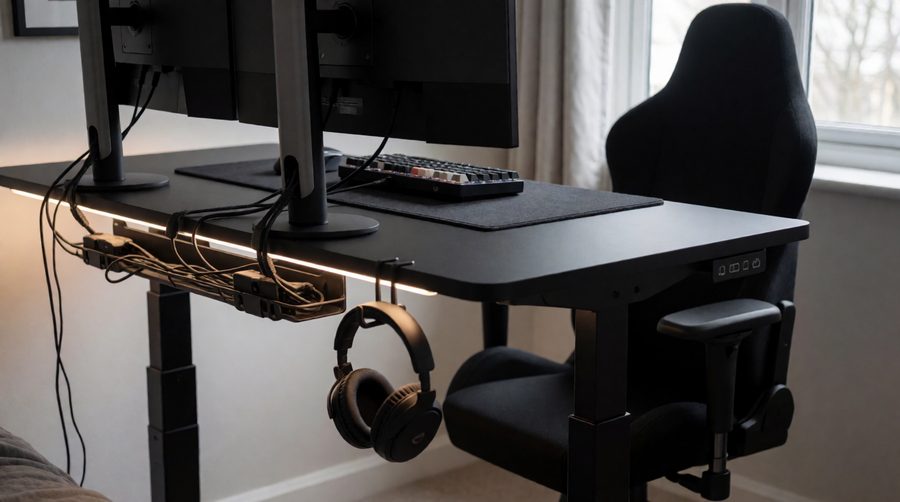
A good gaming desk does four things well: it is wide and deep enough for your monitors and a big mouse mat, it goes low enough for comfortable seated play, it stays steady at standing height when you are flicking the mouse, and it carries the full weight of your setup with room to spare. Lights, hooks and cup holders are a bonus.
Adjustable gaming desks compared
We pulled these figures from the manufacturer listings of desks on this site, so you can compare them like for like. Gaming desk shop pages rarely show them side by side.
| Desk | Top size | Height range | Load | Motors | Gaming extras |
|---|---|---|---|---|---|
| Flexispot EF1B | 160 x 80cm | 71-121cm | 100kg | Electric | Headphone hook, 4 presets, one-piece top |
| Flexispot QS2W | 180 x 80cm | 72-117cm | 80kg | Dual | Four legs, drawer |
| Flexispot ValtreX 200KG | 160 x 80cm (120-180cm tops) | 60-125cm | 160kg lifting, 200kg static | Dual | 40mm/s, anti-collision, USB port |
| Flexispot E1 Pro | 180 x 80cm | 70-119cm | 100kg lifting, 125kg static | Dual | Anti-collision, 4 presets, under 50dB |
| JWX wing-shaped | 182.9 x 81.3cm | 73-117cm | 149kg | Dual | RGB music sync, cup holder, headphone stand |
| Klobel 18GT05 | 180 x 76cm | Not stated | 100kg | Dual | LED side panels, flip-top cable tray, locking wheels |
| LeetDesk Dark | 160 x 80cm | 63-128cm | Over 80kg | Dual | Anti-collision, wireless charging, cable duct |
| Dellonda DH241 | 140 x 70cm | 71-121cm | 100kg | Dual | Carbon-fibre effect, 4 presets, under 50dB |
| Sanodesk 200 x 80 | 200 x 80cm | 73.5-118cm | 70kg | Electric | Hooks, cup holder, 2 presets |
Two things stand out. First, load ratings run from 70kg to 200kg, so check the desk's rating before you add a second monitor arm to your gaming setup. Second, most frames bottom out at 70-73.5cm, while the ValtreX (60cm) and LeetDesk (63cm) go much lower, which suits shorter players and anyone who sits low in a gaming chair.
Flexispot gaming desks
Flexispot makes general sit-stand desks rather than RGB gaming tables, but its frames are a popular base for a gaming setup. The EF1B desk gives you a large one-piece black top, so there is no join under your mouse. The QS2W adds a second pair of legs to fight wobble. The ValtreX is the heavy lifter for a full tower PC on the desk plus two or three screens, and the E1 Pro brings twin motors and anti-collision to a 180cm top.
A common complaint in gaming forums is that cheaper frames shake at standing height once two monitors are on board. Flexispot's answer on the QS2W is four legs; on the ValtreX it is heavier 3-stage legs and two motors. If a stable gaming desk is your top priority, start with those.

How to choose an adjustable gaming desk
Width and depth for your monitors
Measure your screens, not just the room the desk will go in. A 27-inch 16:9 monitor is about 60cm wide, so two side by side need around 125cm with bezels and a small gap; a 34-inch ultrawide is about 80cm. For two screens and speakers, 140-160cm is comfortable, and three screens need 180cm or more. Our dual monitor desks and 160cm desks are good starting points; for a box room, a 120cm desk still fits one screen and a full-size keyboard.
Desk depth matters too. The HSE's guidance on good posture at a screen puts the screen about an arm's length away, which is easier on an 80cm-deep top than a 60cm one, especially with a large monitor.
Height range and your height
The same HSE guide suggests the keyboard sits just below elbow height and the mouse in line with your elbow. Check the lowest figure as well as the highest: on a frame that only drops to 73cm, shorter gamers end up shrugging their shoulders when seated. A 60-63cm minimum fixes that. Taller players should look for 120cm or more at the top.
Stability at standing height
Gaming desk wobble shows up most at full height and with fast flicks of the mouse. Twin motors, 3-stage legs, a crossbar, a thicker top and four legs all help. Our dual motor desks and heavy duty desks are the steadiest frames we list.

Weight capacity
Add up everything on the desk: monitors with stands or arms, the gaming PC if it sits up there, speakers, a mic arm and the top itself. A full-size gaming tower can easily weigh 10kg or more on its own. Where a brand quotes two figures, go by the lifting (dynamic) load rather than the static one, and keep some headroom so the motors aren't working at their limit.
Cable management for a desk that moves
A sit-stand gaming desk travels 44-65cm, so every cable needs enough slack to reach the top position without pulling your PC off the desk. A tray or flip-top channel keeps the bundle tidy, and an under-desk plug box means only one lead runs to the wall. See our desks with built-in power sockets and desks with USB ports for built-in charging.
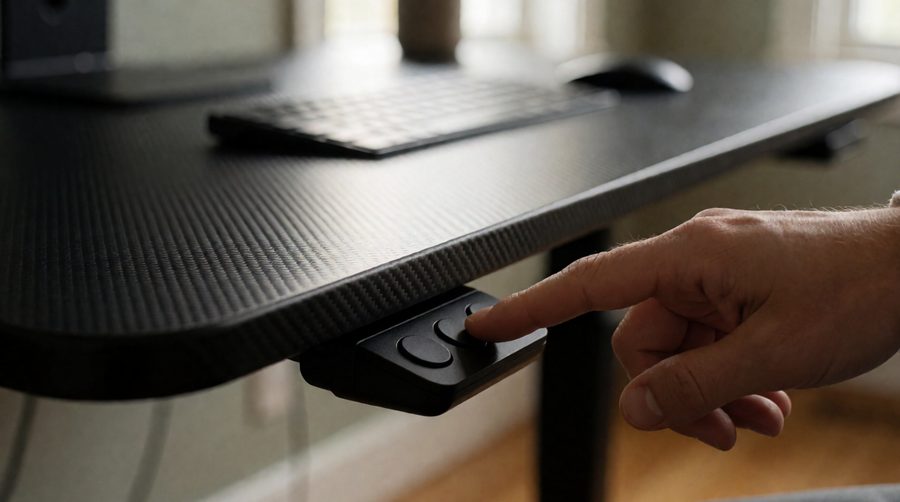
Memory presets and controls
Most gaming desks store two to four presets. Save one sitting height and one standing height so a single press takes you there; you are far more likely to switch position if it takes 10 seconds rather than fiddling with the arrows. At 40mm per second, the ValtreX travels from 72cm to 112cm in about 10 seconds.
Anti-collision
Gaming chairs have tall backs and wide armrests, which are exactly what a lowering desk tends to hit. Anti-collision sensors stop and reverse the frame when it meets resistance. The ValtreX, E1 Pro and LeetDesk all have it; browse our anti-collision desks for more.
Gaming extras worth having
On a gaming desk, headphone hooks, cup holders, a mouse-mat finish and LED lighting are nice touches. Choose them after the frame is right, not instead of it.

Sitting vs standing while you game
You don't have to stand all the time to benefit from a sit-stand desk. The NHS physical activity guidelines for adults advise reducing time spent sitting and breaking up long periods of not moving. The HSE's advice on breaks from screen work is that short, frequent breaks are better than longer ones less often: 5 to 10 minutes every hour beats 20 minutes every 2 hours.
In practice, many players sit for competitive matches where precision counts, then stand for menus, queues, streaming chat, slower games or the work part of the day. The point of an electric gaming desk is that changing takes one press. If your setup doubles as a home office, a black desk looks right in both roles.
Corner and wing-shaped options
If you want a wraparound gaming station, a corner frame gives you a main area for the keyboard and a return for a second screen, stream deck or laptop. These need three legs or a strong joint to stay steady. Browse our L-shaped desks, or look at wing-shaped tops like the JWX above, which curve around you without needing a corner. For more desks picked for PC setups, see our desks for PC gaming.
Adjustable gaming desk FAQs
Is an adjustable gaming desk worth it?
If you game or work at the desk for more than an hour or two a day, yes. Being able to set the exact height for your arms, and to stand when you want to, does more for comfort than RGB or a carbon-fibre finish.
What size do I need for two monitors?
Two 27-inch screens need roughly 125cm of width, so 140cm is the practical minimum and 160cm gives room for speakers. Aim for an 80cm depth so the screens can sit at arm's length.
Can a standing desk hold a gaming PC?
Yes, as long as the total weight stays well inside the lifting load. A dual motor frame rated at 100kg or more is the safer choice for a tower plus two monitors. Alternatively, keep the PC on the floor with long enough cables.
Do electric gaming desks wobble?
All sit-stand frames move slightly at full height. Two motors, 3-stage legs, a crossbar or four legs keep it to a minimum, and a solid top that is screwed down firmly helps more than people expect.
How low should a gaming desk go?
Low enough that your keyboard is just below elbow height when you are sat in your own chair. For many shorter players that is under 70cm, which is why frames reaching 60-63cm are worth seeking out.
Are motorised gaming desks noisy?
Not very. Gaming desk brands typically quote under 45-50dB while moving, about the level of a quiet conversation, and they are silent when stationary.