








- Home
- Collections
- Electric adjustable desk with drawers
Standing Desk With Drawers


Refine
Sort by
Desk type
Desktop width
Motor
Weight capacity
Colour
Features
Brand
Customer rating
More like this


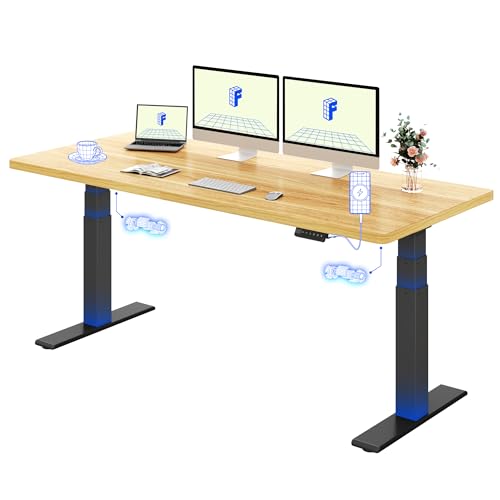
Soohow Smart Advanced (Oak, 119.9cm x 59.9cm)
Soohow
- Dual motor smooth lift
- 3 memory height presets
- Height range 70cm to 119cm
- Spacious 122cm desktop
- Quick 15 minute assembly

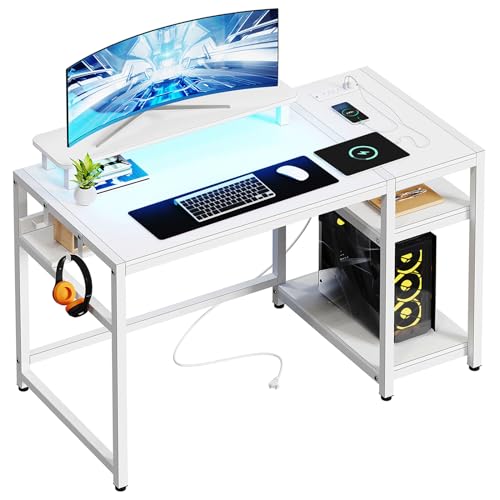
Veelok HOD-05B (White, L-Shaped, 122.9cm)
Veelok
- Reversible L-shape design
- Built-in power outlets and USB ports
- Detachable ergonomic monitor stand
- Two-tier open storage shelves
- Block board tabletop with steel frame

Office Hippo Sit Stand Desk (White, 160cm)
Office Hippo
- Electric height adjustment 65-131cm
- Twin motor for smooth movement
- 4 memory presets for quick recall
- Anti-collision safety technology
- 120kg weight capacity

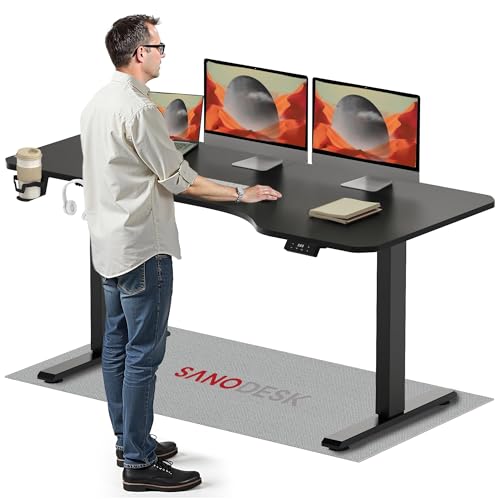
Sanodesk Electric Standing Desk (Black, 200cm x 80cm)
Sanodesk
- Height adjusts from 73.5cm to 118cm
- Electric motor with memory function
- Built-in hooks and cupholder
- Supports up to 70kg weight
- Sturdy metal frame with T-shaped legs

Sanodesk 200 x 80 Electric Standing Desk (Black Frame, Brown Top)
Sanodesk
- Height adjusts 73cm to 118cm
- 4 memory presets for quick recall
- Supports up to 60kg load
- Quiet motor under 50dB
- Large 200 x 80cm work surface

Dellonda DH241 (Carbon Fibre Effect, 1400 x 700mm, Dual Motor)
Dellonda
- Dual motor height adjustment
- 1400 x 700mm work surface
- Four programmable memory presets
- Ultra-quiet motor under 50dB
- 100kg maximum load capacity

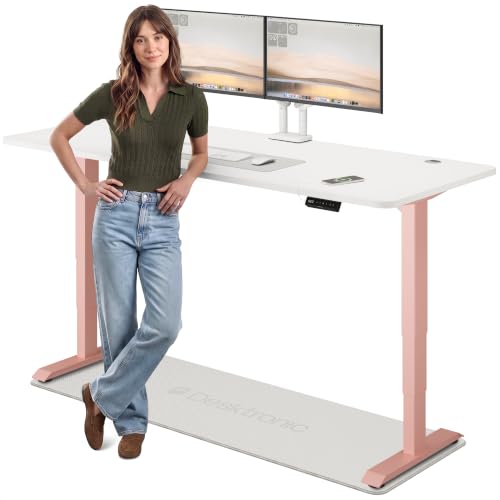
Desktronic HomePro Bamboo Standing Desk (180cm x 80cm, Black + Bamboo)
Desktronic
- Height range 62cm to 127cm
- Dual motors adjust at 50mm/s
- Touchscreen with 3 memory presets
- Built-in USB and USB-C ports
- Supports up to 160kg
What is a standing desk with drawers?
It is an electric standing desk with storage fixed underneath the top. Press a button and the frame lifts the whole thing, contents included, from sitting height (usually around 72cm) to standing height (around 117-118cm). The storage is part of the desk rather than a separate unit on the floor.
That is the main difference from a fixed computer desk with a pedestal. When you stand, a floor-level cabinet stays down by your knees; an under-desk tray comes up with you, so your notebook and charger are still at hand. It also keeps the footprint small, which matters in a box room or a corner of the bedroom.
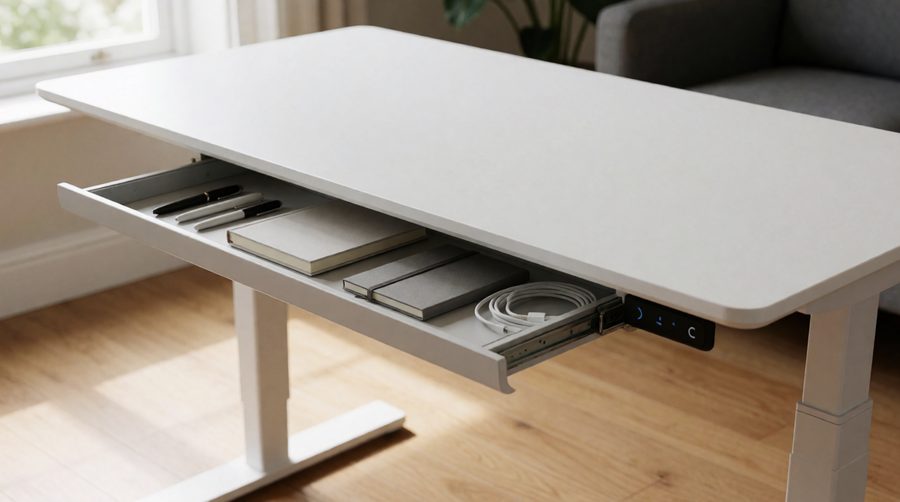
Types of storage on a standing desk
Slim pull-out tray
The most common design: a shallow tray centred under the front edge, roughly where a keyboard tray would sit. It holds pens, a notepad, a phone and a cable or two. The Gibbon Mounts G5D's compartment, for example, measures 36.6 x 21.3cm. Fine for the daily essentials, not for files.
Box or utility drawer
A deeper box gives more room. Banti's 40-inch model has one 40cm wide and 8cm deep, and YDN fits a 65 x 30cm double-width one with a 5kg load rating. Look for metal or ball-bearing runners; plastic glides are cheaper but can feel rough once loaded.
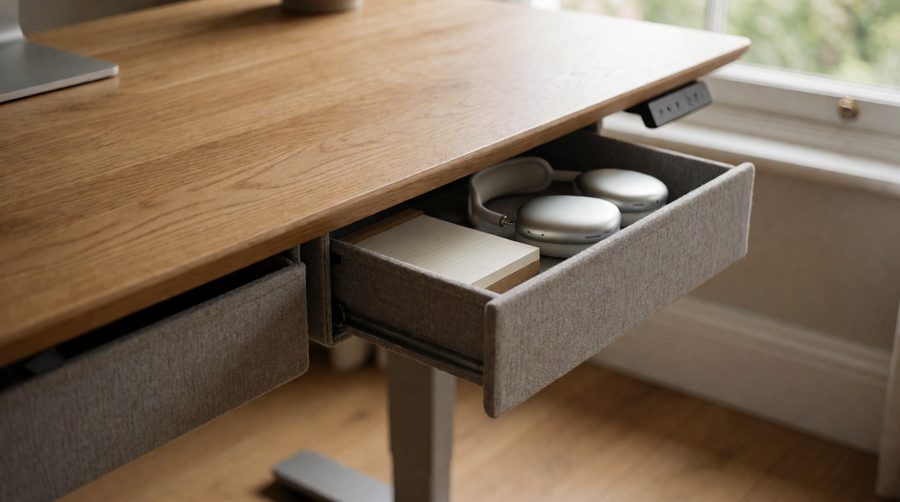
Fabric drawers
Agilestic, Tiqlab and YIHAYO hang soft fabric boxes from a rail under the top. They are light, quiet and add little to the weight the motor has to lift, and two or four of them spread storage across the full width. They are less rigid, so they suit paper, headphones and soft items rather than heavy kit.
Storage with shelves or cubbies
Some models combine a tray with a shelf, cubby or monitor riser. The JOY Worker desk pairs one with a roller-shutter compartment and a built-in monitor stand, which is handy if you need to hide clutter on video calls.

Compare standing desks with drawers
We pulled these specs from the manufacturer listings of the desks currently in stock on this page. Heights are the frame's quoted range.
| Desk | Top size | Height range | Max load | Storage | Worth knowing |
|---|---|---|---|---|---|
| Gibbon Mounts G5D | 89 x 51cm glass | 72-118cm | 60kg | 1 tray, 36.6 x 21.3cm | Ball-bearing runners, lockable castors |
| Banti 40" | 102 x 60cm | 72-117cm | 79.8kg | 1 box, 40cm wide x 8cm deep | Motor tested to 50,000 cycles |
| Innovar Glass 40 x 24" | 102 x 60cm glass | 72-118cm | 60kg | 1 pull-out with dividers | USB-A and USB-C, 4 presets |
| Claiks P1 | 120 x 60cm glass | 72-118cm | 60kg | 1 box, metal runners | 4 presets, USB charging |
| YDN Standing Desk | 120 x 60cm | 72-118cm | 79.8kg | 1 double-width, 65 x 30cm (5kg) | Quoted at 45dB |
| Soohow Smart Advanced | 120 x 60cm | 70-119cm | - | 2 top drawers | Dual motor, under 50dB |
| KOWO G2 Vetra | 140 x 60cm glass | 73-118cm | 60kg | 1 utility box, ball-bearing | 26mm/s, 20W USB-C |
| Agilestic | 160 x 60cm | 72-116cm | 70kg | 2 fabric drawers | Anti-collision, 20mm/s |
| FlexiSpot QS2W | 180 x 80cm | 72-117cm | 80kg | 1 pull-out | Dual motor, four-leg frame |
| Sanodesk 200 x 80 | 200 x 80cm | 73-118cm | 60kg | 1 utility box, metal runners | Under 50dB, 4 presets |
| Innovar L-shaped | 160 x 140cm glass | 72-118cm | 100kg | Box storage | Dual motor, under 45dB |
| Tiqlab L-shaped | 160 x 140cm | Electric | 79.8kg | 4 fabric drawers | Castors add 5cm |
Two patterns stand out. Most of these models are rated for 60-80kg, and almost all start at 72-73cm. That is typical of single-motor, two-stage frames. Twin-motor frames without built-in storage, such as the FlexiSpot ValtreX and Desktronic HomePro on our dual motor desks page, drop to 60-62cm and carry 160-200kg. If you need a very low seated height or plan to load the top with heavy kit, that trade-off matters.
How to choose a standing desk with drawers
Check the leg room underneath
Under-desk storage hangs below the top, so it eats into the space above your thighs when you sit. On a frame that bottoms out at 72cm, an 8cm-deep box leaves roughly 62cm underneath once you allow for a 2cm top. Measure from the floor to the top of your thighs while sitting on your own chair with feet flat. If that is close to 62cm, choose a slim tray, fabric pockets set to the sides, or a lower-starting frame. FlexiSpot also points out that quoted height ranges usually refer to the frame alone and do not include the top's thickness, so add 2-3cm to the figures above.
Set your sitting height first
HSE's guide to good posture at a workstation puts the keyboard just below elbow height. For shorter users that can be under 70cm, which most of these frames cannot reach. A footrest helps, but it is better to know before you buy.
Size and width
Wider tops leave room for a centred tray and still give you clear leg space either side. A 120cm desk is the usual choice for a laptop and one monitor; a 140cm desk fits two screens; a 160 x 80cm desk gives you space for fabric pockets on both sides as well.
Load: count the contents
Everything you store underneath is lifted by the motor along with your monitors and laptop. A 60kg limit is plenty for a laptop, one screen and a stocked tray, but two large monitors on a heavy arm, a PC and full storage can get close. For bigger loads, look at our heavy duty desks.
Runners and build
Ball-bearing or metal runners (KOWO, Gibbon Mounts, Innovar, Claiks, Sanodesk) slide more smoothly than plastic ones. Check that the box is screwed to the underside or frame, not just clipped, and that it clears the frame's crossbar.
Charging and power
Many of these models add USB-A and USB-C ports by the control panel, so a phone can charge while it sits in the tray. If that matters, see our desks with USB ports or, for plugs as well, desks with power sockets.
Safety features
A desk lowering onto a chair arm, an open compartment or a windowsill is the classic way to damage one. Anti-collision sensors stop and reverse the frame when it meets resistance; Agilestic and YIHAYO list it. Browse our anti-collision desks for more, and look for a child lock if little ones are around.

Glass, wood or L-shaped?
Tempered glass tops are the most common style in this range (KOWO, Claiks, Innovar, Gibbon Mounts). They look clean, wipe down easily and often pair with a white frame. The catch is that you can see through a glass top, so a tidy tray matters. Engineered wood and laminate tops hide the storage completely and take monitor arm clamps more happily; see our wood standing desks for solid and veneered options.
For corner rooms, L-shaped frames such as the Innovar and Tiqlab combine a 160 x 140cm surface with plenty of storage, and the Innovar uses two motors to lift the larger top.
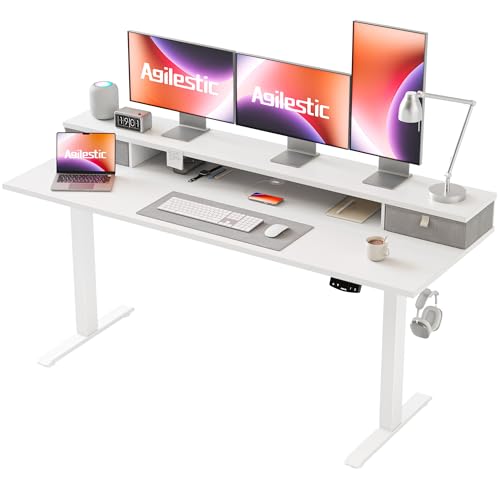
Monitor arms on a standing desk
Many people add a clamp-on monitor arm, and the storage can get in the way. Most trays sit at the front centre, so the rear edge is usually free, but fabric pockets and side-mounted boxes sometimes run to the back corners. Check where the clamp will go before you order, and make sure the top is thick enough for it (many glass tops are not designed for clamps at all).

Built-in drawer, pedestal or add-on?
- Built-in: rises with the desk, no extra footprint, but limited depth and it reduces knee room.
- Mobile pedestal: holds A4 files and lockable storage, but stays at floor level and takes up floor space next to your chair.
- Add-on under-desk tray: screws to the underside of any top. A good fix if you already own a frame you like; measure the gap between the crossbar and front edge first.
- No room for a new desk? Standing desk converters sit on your existing desk and keep its storage, though they only raise the screen and keyboard.
Getting the most from your sit-stand setup
- Save your sitting and standing heights to the memory presets on day one, so switching takes one press.
- Keep heavy items on the floor and let the motor lift only what you use.
- Close the tray before lowering the desk, and keep chairs clear of the frame.
- Route cables through the tray or a cable basket so they move with the top and are not pulled tight.
- Change position regularly rather than standing all day. The NHS on why sitting too much is bad for us and HSE's advice on screen work routines and breaks both stress breaking up long periods in one position.
Standing desk with drawers FAQs
Do drawers make a standing desk less stable?
Not noticeably. The tray adds little weight and is fixed under the top. Stability comes from the frame: wider feet, a crossbar or four legs (as on the FlexiSpot QS2W) and a lower overall height all help more.
Can I add a drawer to my existing standing desk?
Yes. Under-desk trays screw to the underside of the top. Measure the depth from the front edge to the crossbar and check the legs' clearance before buying.
How much can the drawer hold?
Few brands say. YDN quotes 5kg for its 65 x 30cm tray, which is a sensible guide for most built-in ones. Keep heavy items elsewhere.
Are fabric drawers any good?
For light items, yes. They are cheap to replace, quiet and add little weight. For valuables or a laptop, a rigid box on metal runners is better.
Will the storage hit my knees when I sit?
It can, especially on frames that start at 72cm. Measure your thigh height while seated and compare it with the clearance under the tray (roughly the frame's lowest height minus top thickness and box depth).
Do I need dual motors?
Not for a laptop, one or two monitors and a stocked tray; the 60-80kg single-motor models here cope. Twin motors make sense for wider tops, heavy screens or L-shaped desks.