






- Home
- Collections
- Standing Desk Converters
Standing Desk Converter


Refine
Sort by
Desk type
Desktop width
Motor
Weight capacity
Colour
Features
Brand
Customer rating
More like this


Rocelco Standing Desk Converter
Rocelco
- Dual gas spring lift
- Retractable keyboard tray
- Three monitor capacity
- No assembly required
- Cable management grommet

Ergotron WorkFit-T Sit-Stand Workstation
Ergotron
- No assembly required
- 38cm height adjustment range
- 18kg weight capacity
- Spring-assisted technology
- Keyboard tray included

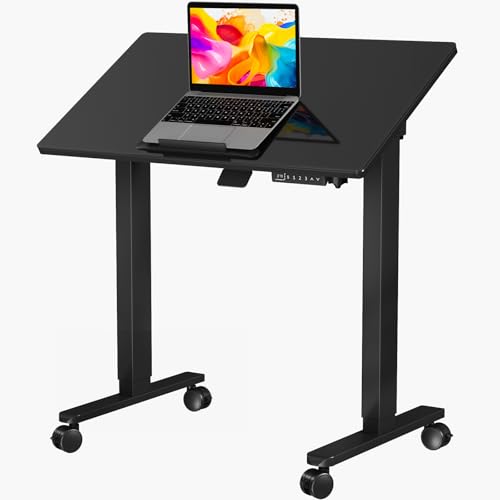
Gibbon Mounts Foldable mobile standing desk
Gibbon Mounts
- Gas spring height adjustment
- Rolling wheels for mobility
- Foldable compact design
- Tilting desktop surface
- No assembly required
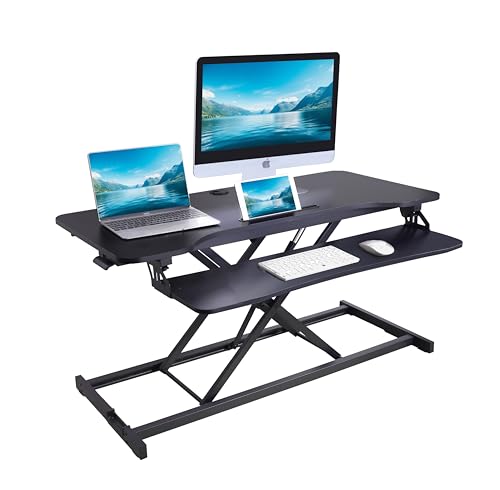
Rocelco Standing Desk Converter
Rocelco
- 109cm wide work surface
- Height adjustable 12-55cm range
- Detachable keyboard tray included
- Gas piston assisted lifting
- Dual monitor compatible

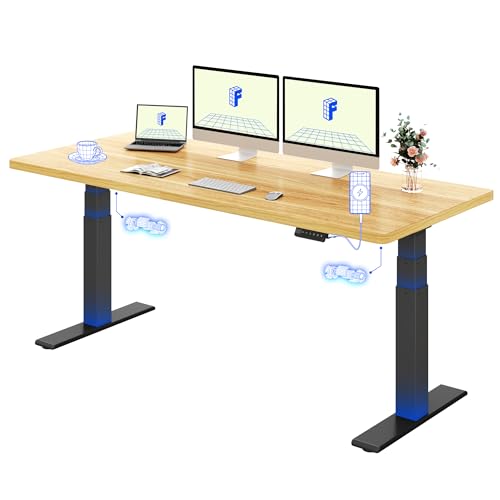
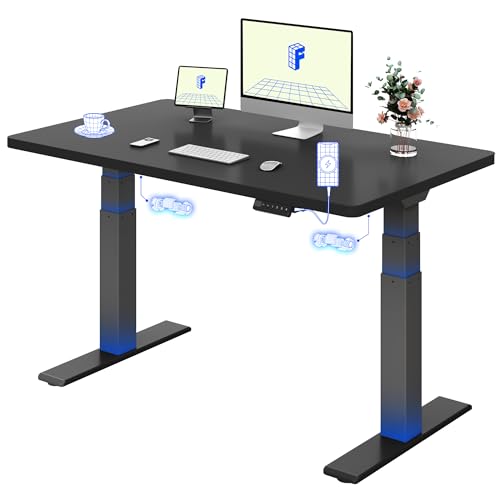
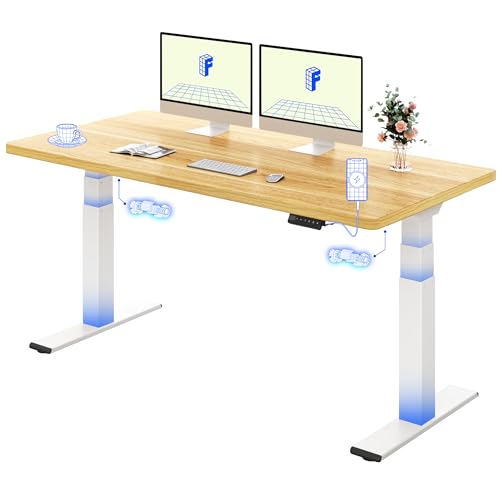
GallopFun Electric Standing Desk (White, 139.7cm x 60.2cm)
GallopFun
- Three-preset memory height buttons
- Adjusts from 71.9cm to 119.9cm
- Holds up to 79.8kg
- Steel frame for stability
- Wire holes and storage hooks included

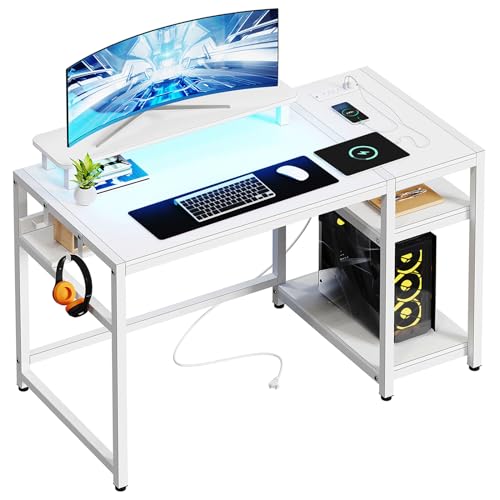
Veelok HOD-05B (White, L-Shaped, 122.9cm)
Veelok
- Reversible L-shape design
- Built-in power outlets and USB ports
- Detachable ergonomic monitor stand
- Two-tier open storage shelves
- Block board tabletop with steel frame

JOY Worker JW-109B-A2-B (White, Foldable, Height Adjustable)
JOY Worker
- Height adjusts from 32.3" to 47.6"
- Lockable wheels for mobility
- Tiltable board with 0°-90° flip
- Gas spring smooth height adjustment
- Foldable base saves storage space
What is a standing desk converter?
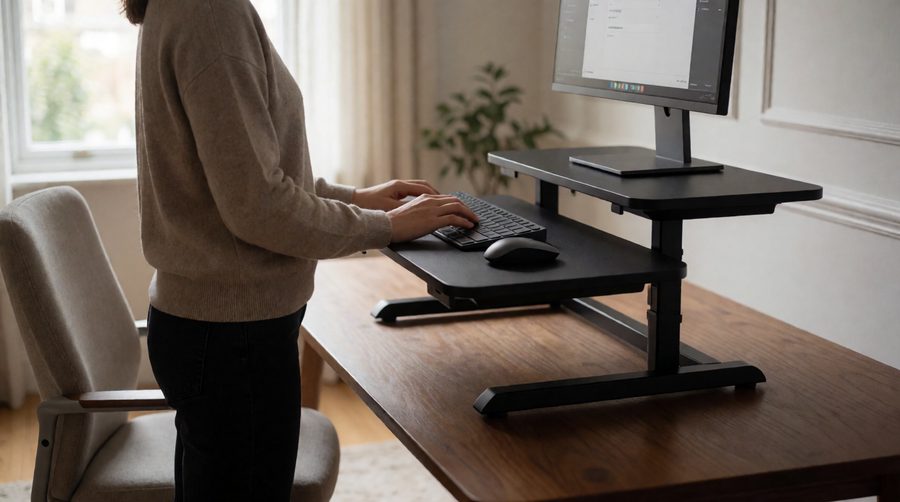
A standing desk converter (also sold as a desk riser, desktop converter or sit-stand workstation) is a platform that sits on top of an ordinary desk. You squeeze a handle or press a button and the top rises, taking your monitor, laptop or keyboard with it. Lower it again and you are back at a normal seated height.
Most converters have two tiers: a main platform for screens and a keyboard tray about 10-11cm below it, so your hands stay lower than your eyes. Simpler single-tier models are cheaper and smaller but suit a laptop with a separate keyboard better than a full monitor setup.
Converter or full sit stand desk?
The two do the same job in different ways. Here is how they compare using the specs of the products we list.
| Desktop converter | Electric sit stand desk | |
|---|---|---|
| Keeps your existing desk | Yes | No, it replaces it |
| Load limit | 12.7-18kg (gas spring), 36kg (electric) | 70-200kg |
| Height adjustment | Adds 40-55cm above your desktop | Whole desk moves, roughly 60-125cm from the floor |
| Set-up | Often arrives assembled or needs only the tray fitting | Frame and top to assemble |
| Usable desk space | Reduced: the riser covers part of your desk | Whole surface moves with you |
| Moving house or office | Lift it off and carry it (11-31kg) | Needs dismantling |
| Best for | Trying standing out, rented or shared desks, corner or L-shaped desks | Daily all-day use, heavy multi-screen rigs |
If you already know you will stand for part of every day and want the whole surface to move, a full frame is the better long-term buy. Our dual motor desks lift faster and carry more, and heavy duty desks are rated for up to 200kg.
The main types of standing converter
Z-lift (up and forward)
The most common design. The top swings up and towards you on a pair of arms. It is quick and cheap to make, but you need clearance in front of the desk and your chair has to move back. The 114cm Rocelco R-ADRB45 uses this motion and has room for up to three monitors.
Straight vertical lift
The top rises straight up, so it never pushes into your space. That suits small rooms, desks against a wall and offices with tight gaps behind the chair. The Ergotron WorkFit-TL and the 109cm Rocelco RVADRB43 both lift this way.

X-frame (scissor lift)
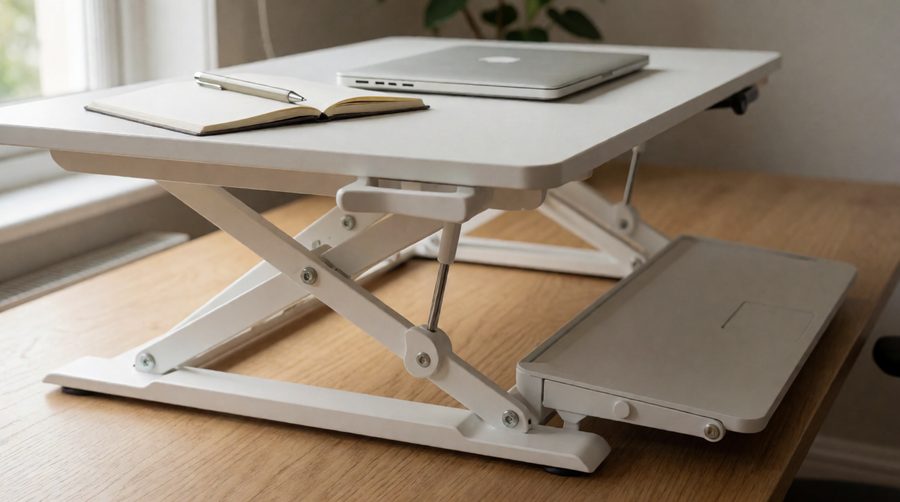
A scissor mechanism underneath raises the platform vertically and spreads the load across a wide base. X-frame models such as the Joy Worker and the Ergotron WorkFit-TX tend to sit very low when collapsed. The WorkFit-TX drops to 5cm, so your seated position barely changes.
Electric
A motor lifts the converter at the press of a button, which helps if you have a shoulder or back problem or carry a heavy load. The trade-off is weight, a power cable and a higher price.
Standing desk converter comparison
Real specs from the listings on this page, so you can compare like for like. Standing height is measured above your existing desktop.
| Model | Top size | Height above desk | Max load | Lift | Weight |
|---|---|---|---|---|---|
| Joy Worker 35" | 87.9 x 39.9cm | 12.4-49cm | 13kg | Gas spring, X-frame | 12kg |
| Rocelco RVADRB43 | 109 x 52cm | 12-55cm | 15kg | Gas spring, vertical | 10.9kg |
| Yo-Yo Desk 90 | 89 x 59cm | 15-50cm | 15kg | Manual, aluminium | 22kg |
| Fellowes Lotus LT | 80 x 61cm | Not stated | 17kg | Gas spring | 14.7kg |
| Rocelco DADRW-40 | 101.6 x 58.7cm | 12.7-50.8cm | 18kg | Dual gas spring | 16.8kg |
| Ergotron WorkFit-TL | 95 x 58.6cm | 38cm travel | 18kg | Vertical, hand brake | 28kg |
| Ergotron WorkFit-TX | 95cm wide | 5-51cm | 18.1kg | Gas spring, X-frame | 31.3kg |
| Versadesk PowerPro 36 | 91 x 61cm | 13-51cm | 36kg | Electric | 18.6kg |
Two things stand out. Nearly every manual unit tops out at 13-18kg, and the heavier the riser itself, the steadier it usually feels at full height: the 28kg and 31kg Ergotrons are built like office furniture, while the 11-12kg models are easier to move between rooms.
How to choose a standing desk converter
1. Work out the height you need
The HSE's guide to good posture at a display screen puts the keyboard just below elbow height and the top of the screen level with your eyes. Stand in your work shoes and measure from the floor to your bent elbow. Take away your desk height (most fixed office desks are around 72-76cm) and that is how high the keyboard tray has to reach.
For example, with a 110cm standing elbow height and a 73cm desk, the keyboard needs to sit 37cm above the desk. If the tray sits 11cm below the top platform, the top must reach 48cm, which a 49-51cm riser just about manages. Taller users should look at the 55cm Rocelco or add a monitor arm to raise the screen further.
2. Check the weight limit
Add up everything going on it: monitors with their stands, a laptop, speakers and a docking station. Two 27-inch screens on their stands can come to 8-12kg, which leaves little spare on a 13kg unit. If you run two or three large screens, pick an 18kg model or an electric one, or see our dual monitor desks.
3. Measure your desk
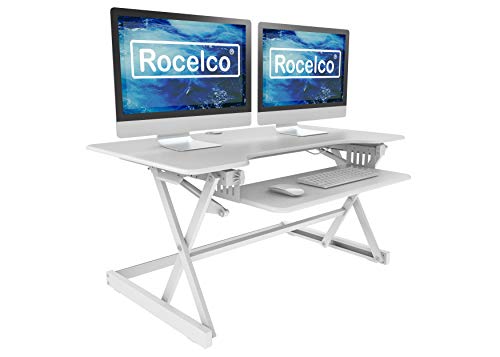
Measure the width and depth of the free area. A riser needs its whole base on a flat, solid surface, and some listings state a minimum: the Victor High Rise needs a 61cm deep desk and the 109cm Rocelco needs 47cm. Z-lift models also need space in front as they rise. For corner set-ups, a converter on one side of an L-shaped desk keeps the other side free for sitting work.
4. Look hard at the keyboard tray
A cramped tray is the most common complaint. Check it fits a full-size keyboard and a mouse: trays here run from 54cm on the Rocelco READRT to 88cm on the 109cm Rocelco. Trays that detach or retract give you the whole surface back when you sit.

5. Gas spring or electric?
Gas-spring units are lighter, quieter and need no socket. You squeeze a lever and the spring does most of the work, so they are quick to adjust several times a day. Electric models such as the Versadesk PowerPro carry twice the load and need no effort, but they are heavier and need a nearby socket. Our desks with power sockets help keep the cables tidy.

6. Stability and wobble
Every standing converter moves a little at full height, mostly as keyboard bounce when you type. To keep it to a minimum, put heavy items at the back and centre of the platform, don't lean on the tray, and make sure the desk underneath is solid. A converter on a rickety desk will always wobble.
Using a standing desk converter comfortably
- Alternate rather than standing all day. The NHS advises cutting down on time spent sitting, but long spells on your feet bring their own aches.
- Start with short standing spells, 20-30 minutes at a time, and build up.
- Stand on an anti-fatigue mat. Some Rocelco bundles include one.
- Re-check your screen height each time you switch. The HSE's display screen equipment guidance covers home working too.
- Use a separate keyboard with a laptop so the screen can sit at eye level.
Frequently asked questions
Are standing desk converters worth it?
For most people trying sit-stand working for the first time, yes. You keep your desk and the changeover takes seconds. If you end up standing for hours every day, a full electric desk is the better long-term option.
Can you put a standing desk converter on any desk?
Almost any flat, sturdy desk deep enough for the base. Glass tops and lightweight desks are the risk: check the depth needed and that your desk can take the riser plus its load, which comes to almost 50kg for a fully loaded Ergotron WorkFit-TX.
Do standing converters wobble?
A little, mainly at full height. Heavier steel units like the Ergotron WorkFit range wobble least. Light X-frame models are fine for a laptop or one screen.
Will a standing converter hold two monitors?
Wider models (80cm and up) with an 18kg limit hold two monitors comfortably. The Rocelco DADRW-40 takes two 32-inch screens and the 114cm Rocelco up to three.
How high should a standing desk converter go?
High enough to put the keyboard just below your standing elbow height. For most adults on a 72-76cm desk that means a riser that reaches around 45-55cm.
Do I need to assemble a standing desk converter?
Many come fully assembled, including the Ergotron WorkFit-TL, Rocelco DADRW-40 and Fellowes Lotus LT. Others need the keyboard tray fitting, which takes a few minutes.
Still deciding?
If a standing converter takes up too much of your desk, a compact 120cm electric desk costs little more than a premium converter. If you want a frame that stops when it hits something, see our anti-collision desks.