





- Home
- Collections
- With USB ports
Desk With USB Port And Outlet

Refine
Sort by
Desk type
Desktop width
Motor
Weight capacity
Colour
Features
Brand
Customer rating
More like this

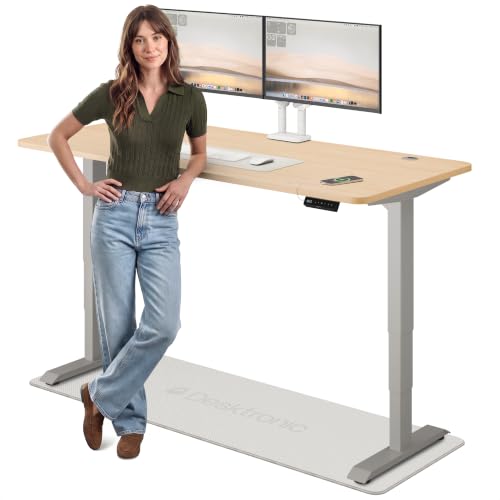

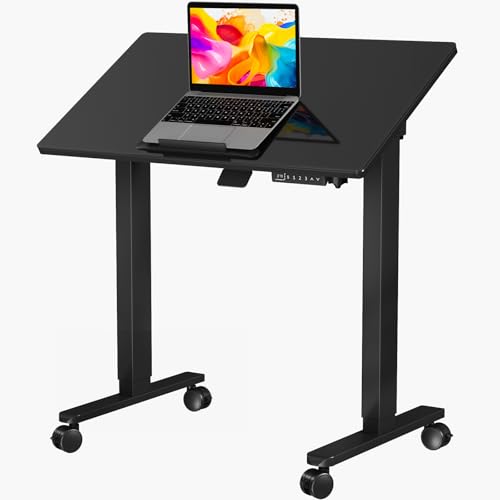
Seang Electric Height Adjustable Standing Desk
Seang
- Electric height adjustment mechanism
- Three memory preset positions
- T-shaped steel frame base
- Built-in cable management system
- 70kg maximum weight capacity
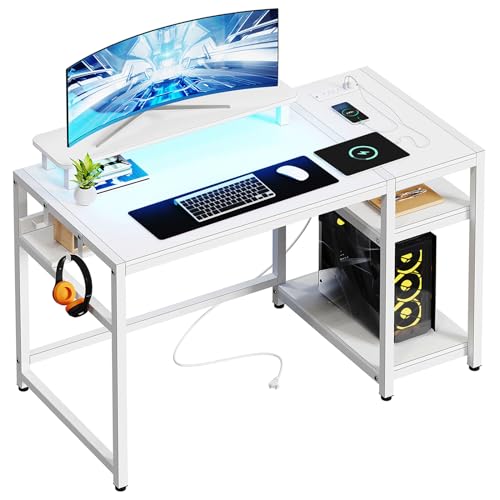
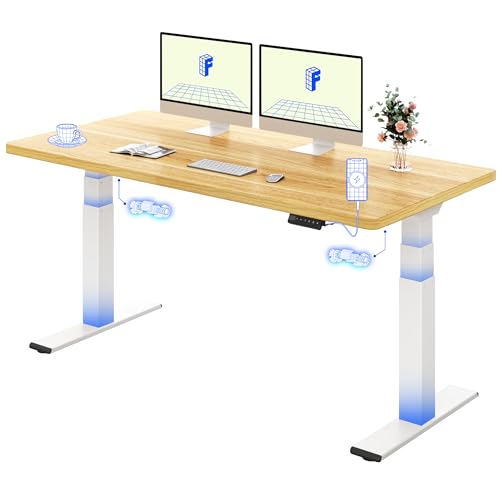
Bergoolin CD-002 (White, 48 Inch with LED Lights)
Bergoolin
- Built-in LED lighting with 29 modes
- Two power outlets and USB ports
- Ergonomic monitor stand shelf
- Bottom storage shelf and headphone hook
- Easy assembly within 1 hour

Veelok HOD-05B (White, L-Shaped, 122.9cm)
Veelok
- Reversible L-shape design
- Built-in power outlets and USB ports
- Detachable ergonomic monitor stand
- Two-tier open storage shelves
- Block board tabletop with steel frame

Casart Glass electric standing desk
Casart
- Tempered glass top
- Height adjustable 73-118cm
- Built-in USB charging
- Pull-out storage drawer
- Memory height presets

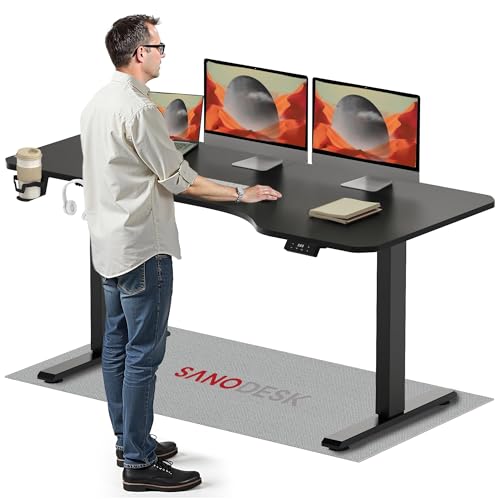
Sanodesk Electric Standing Desk (Black, 200cm x 80cm)
Sanodesk
- Height adjusts from 73.5cm to 118cm
- Electric motor with memory function
- Built-in hooks and cupholder
- Supports up to 70kg weight
- Sturdy metal frame with T-shaped legs

Sanodesk 200 x 80 Electric Standing Desk (Black Frame, Brown Top)
Sanodesk
- Height adjusts 73cm to 118cm
- 4 memory presets for quick recall
- Supports up to 60kg load
- Quiet motor under 50dB
- Large 200 x 80cm work surface

Dellonda DH241 (Carbon Fibre Effect, 1400 x 700mm, Dual Motor)
Dellonda
- Dual motor height adjustment
- 1400 x 700mm work surface
- Four programmable memory presets
- Ultra-quiet motor under 50dB
- 100kg maximum load capacity

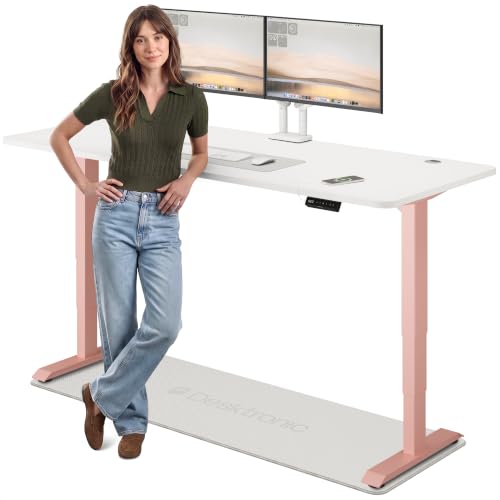
Desktronic HomePro Bamboo Standing Desk (180cm x 80cm, Black + Bamboo)
Desktronic
- Height range 62cm to 127cm
- Dual motors adjust at 50mm/s
- Touchscreen with 3 memory presets
- Built-in USB and USB-C ports
- Supports up to 160kg
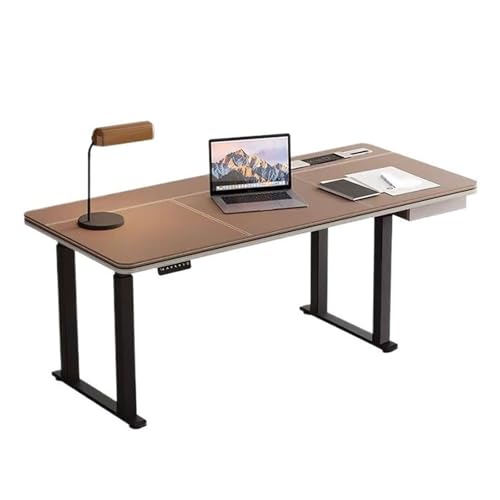
Cafiedr Height adjustable electric desk M
Cafiedr
- Height adjusts 75-140cm electrically
- Brown leather desktop surface
- Built-in power outlets included
- 120kg weight capacity
- 20-minute assembly time
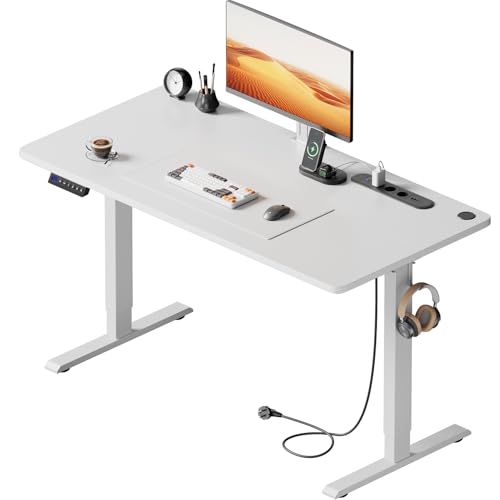
Httgdgdh Adjustable electric desk 100x60 cm
Httgdgdh
- Height adjusts 27.8" to 44.5"
- Built-in power outlets and USB
- 80kg weight capacity
- Obstacle detection safety feature
- Quiet motor under 50dB
What counts as a desk with USB charging?
Any desk with charging sockets fixed to the frame or desktop, powered by the desk's own lead. On an electric standing desk the power usually comes from the control box under the top, so the sockets work whenever the desk is plugged in. On some models a separate power module adds UK three-pin sockets as well.
The point is fewer cables. Your phone charges where you can see it, there's no adaptor dangling behind the desk, and on a sit-stand frame nothing gets pulled tight when you raise the top. We went through the specs of every product in this collection to see what "with USB" really means on each one.
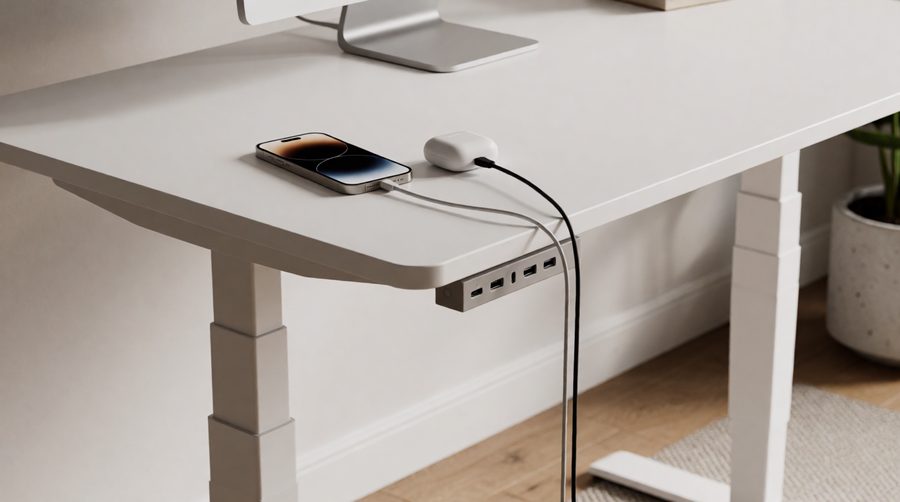
Where the charging points go: four set-ups
1. In the keypad or controller
The most common type. One or two sockets sit in the height controller on the front edge, usually a Type-A and a Type-C. The Desktronic HomePro, Dellonda DH54 (2 Type-A, 1 Type-C) and Elevate 120 (2 Type-A, 1 Type-C) all work this way, as does the Flexispot ValtreX frame. Handy for a phone or earbuds, and always within reach when you're sitting or standing.
2. In the drawer or front panel
Many glass-topped models put a small charging hub in the drawer front. The Kowo G2 Vetra, the Marsail glass range (Type-A rated 5V/2.4A plus Type-C) and the Jylh Joyseeker all do this. It keeps the top completely clear, which suits a minimal setup, and pairs well with models with drawers for storing cables.
3. A power module with sockets
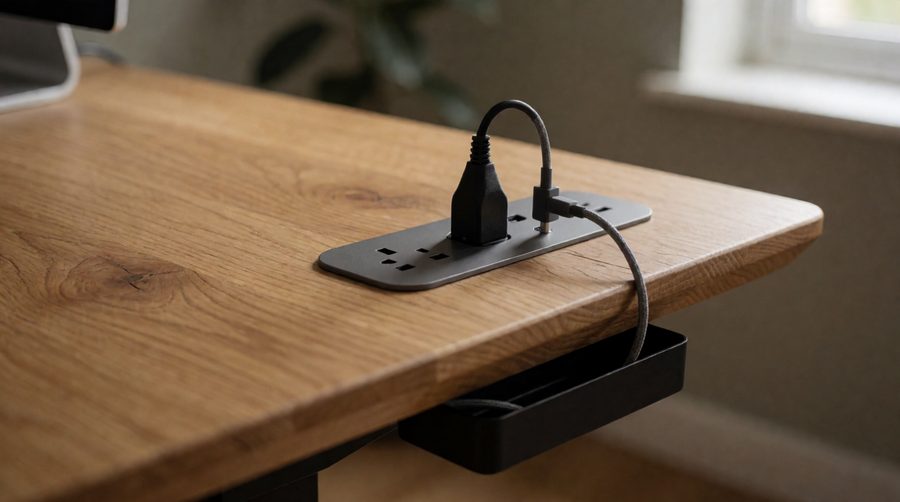
This is the full "port and outlet" setup: a strip fixed to the desktop or under the edge with mains sockets as well as charging points. The Huuger electric model has 4 AC outlets, a Type-A and a Type-C, so 6 devices at once; the Precision Synergie and Dlongone each have 3 AC sockets, 2 Type-A and 1 Type-C. Choose this if a monitor, lamp or laptop brick needs a socket too.
4. Wireless charging
A Qi pad set into the top or drawer lets you drop a compatible phone down to charge without a cable. The Flexispot Q8 and the Innovar wireless-charging glass desk both have one, alongside wired sockets.

Charging desks compared
Real figures from the product listings in this collection.
| Desk | Charging | Mains sockets | Height range | Max load | Motor |
|---|---|---|---|---|---|
| Desktronic HomePro 140 x 70 | Type-A + Type-C (controller) | None | 62-127cm | 160kg | Dual |
| Flexispot ValtreX 160 x 80 | Built-in charging socket | None | 60-125cm | 200kg static | Dual |
| Flexispot Q8 140 x 70 | Type-A + Type-C + Qi pad | None | 62-125cm | 100kg | Dual |
| Dellonda DH54 120 x 60 | 2 Type-A + 1 Type-C | None | 72-121cm | 50kg | Single |
| Kowo G2 Vetra 140 x 60 | Type-C 20W + Type-A | None | 73-118cm | 60kg | Single |
| Huuger 120 x 60 | Type-A + Type-C | 4 | 72.8-118.1cm | 99.7kg | Electric |
| Httgdgdh 100 x 60 | 2 Type-A + 1 Type-C | 3 | 70.6-113cm | 80kg | Electric |
| Precision Synergie 160 x 80 | 2 Type-A + 1 Type-C | 3 | 72-117cm | 80kg | Electric |
Two patterns stand out. The strongest frames, like the HomePro and ValtreX, keep charging in the controller and leave sockets to you. The ones with mains sockets built in tend to be smaller, lighter-duty frames rated 80-100kg. If you run three screens or a heavy PC on top, a dual motor frame or one of our heavy duty models plus a good extension lead may beat an all-in-one.

What can a desk charging socket actually power?
This is the question shop listings skip. A standard Type-A socket rated 5V/2.4A, like the Marsail's, supplies about 12W. That's fine for a phone, earbuds, a smartwatch or a fitness tracker, and slow but workable for a tablet. A Type-C socket rated 20W, as on the Kowo, will fast-charge most current phones.
Laptops are different. Thin laptops typically ship with chargers of around 30-65W and larger ones 100W or more. The USB Power Delivery standard allows up to 240W over Type-C (see USB-IF on Power Delivery), but the sockets built into desk keypads are rated far lower, so a laptop will charge slowly, hold steady or not charge at all. Plug the laptop's own charger into a mains socket instead, which is where a model with outlets earns its place.

They charge, they don't connect
Desk sockets are wired to the desk's power supply, not to your computer. You can't plug a keyboard, mouse or memory stick into them and expect it to reach your PC. For that you need a hub connected to the computer itself; clamp it to the desktop and run its lead through the cable tray.
How to choose a desk with USB port and outlet
Count what you charge every day
Phone, earbuds and a watch need three charging points or one plus a short multi-lead. Add a lamp, monitor and laptop brick and you need mains outlets too, either built in or on a strip clipped under the top.
Prefer Type-C
Newer phones, tablets and earbuds ship with Type-C cables, and Type-C is where faster charging lives. A desk with only Type-A means keeping old cables or adaptors around. Nearly every listing here now includes at least one Type-C socket.
Check the sockets are UK three-pin
Some listings are for desks made for other markets, often sized in inches. If a power module is part of the reason you're buying, check the listing shows UK three-pin sockets and a UK plug before ordering.
Leave slack for the lift
A sit-stand desk travels a long way: the HomePro moves 65cm from lowest to highest. Everything plugged in on top travels with it, so the one lead from the desk to the wall needs enough slack for full height. Route it down a leg and use the cable tray so it can't snag. If you work in a corner, our L-shaped standing desks have more room for cable runs, and anti-collision frames stop if a lead or chair gets caught underneath.
Pick size and top first
Charging is easy to add later; size and frame are not. A 120cm desk suits a laptop and one screen, 160cm suits two monitors. Glass, laminate and bamboo tops all come with built-in charging in this range.
Safety: sockets, chargers and leads
A desk power module is an extension lead in a different shape, so the same rules apply. Electrical Safety First says most extension leads are rated 13A, and you shouldn't plug in appliances that together go over the lead's rating, or plug one extension lead into another (Electrical Safety First: overloading sockets). A monitor, lamp and phone are well under that; a heater or kettle on a desk is not a good idea.
The London Fire Brigade advises against cheap counterfeit chargers for anything with a lithium battery and against leaving phones or laptops on charge overnight. Charging at the desk during the day, where you can see it, fits that advice nicely. And if the desk is for work, tidy cabling is part of a good workstation under the HSE's display screen equipment guidance.
Desk charging FAQs
Can I charge a laptop from the USB port on a desk?
Usually only slowly, if at all. Keypad and drawer sockets are typically 12-20W, and most laptops want 30-65W or more. Use the laptop's own charger in a mains socket; a desk with built-in outlets keeps that tidy.
Do the ports work when the desk is unplugged?
No. The charging points take their power from the desk's control box or power module, so the desk has to be plugged in and switched on at the wall.
Can I add USB ports to the desk I already have?
Yes. Clamp-on and grommet-mounted power units with charging points and UK sockets fit most tops, and you can fit one to a standing desk converter setup too. Allow enough lead for the full lift on a sit-stand desk.
Are the outlets on these desks UK sockets?
Check each listing. Most models sold for the UK use three-pin sockets, but a few listings are for desks built for other markets.
Is wireless charging worth having?
If your phone supports Qi, it's the tidiest option: put it down and it charges. It's slower than a 20W Type-C cable, so many people use both.